
Your team, with the right access.
Team members
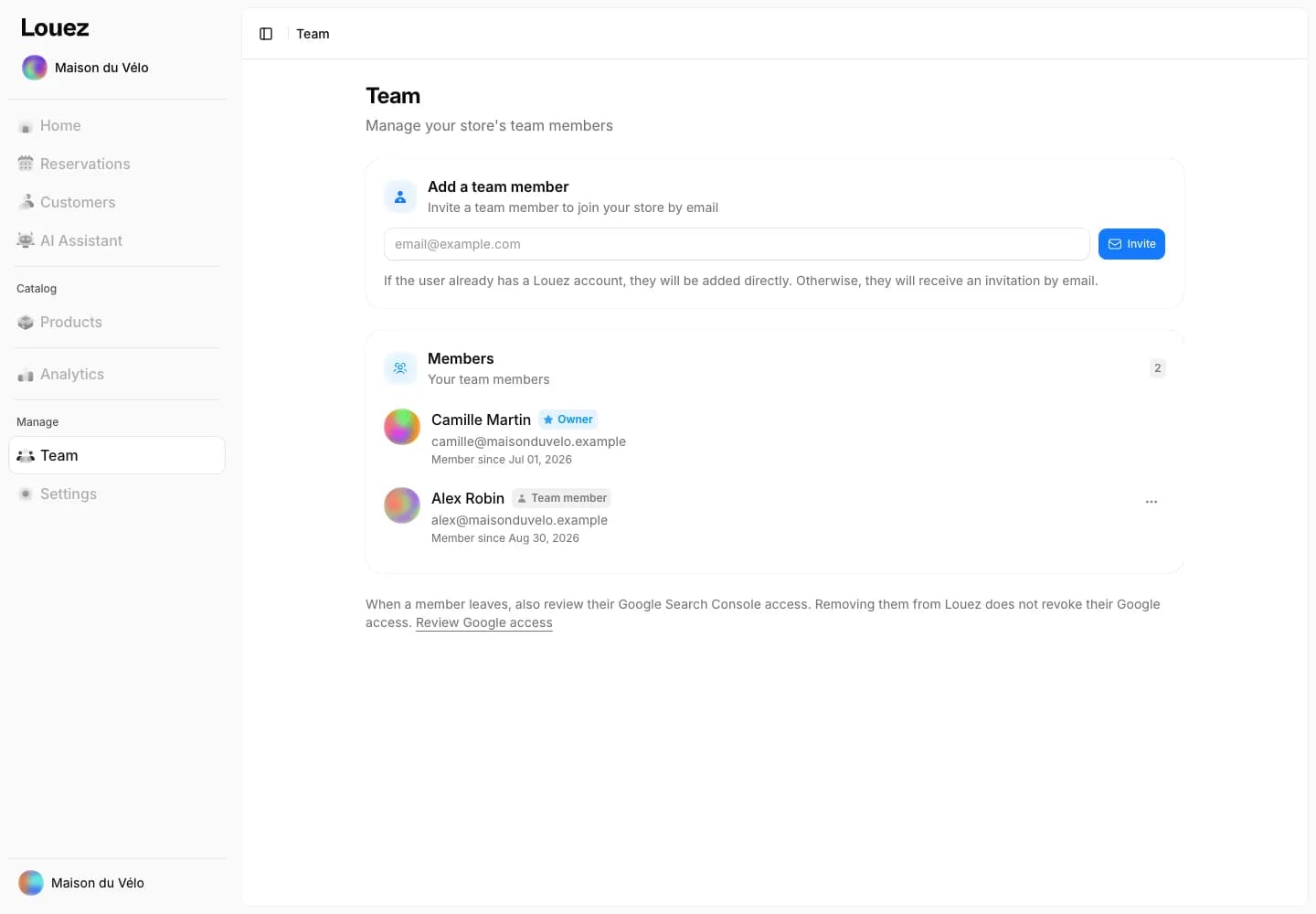
Invite your staff by email
One email address is all it takes to invite a team member — the owner keeps control of the store settings.
Email invitation, valid for 7 days
Pending invitations: resend or cancel
Remove a team member at any time
Multi-store
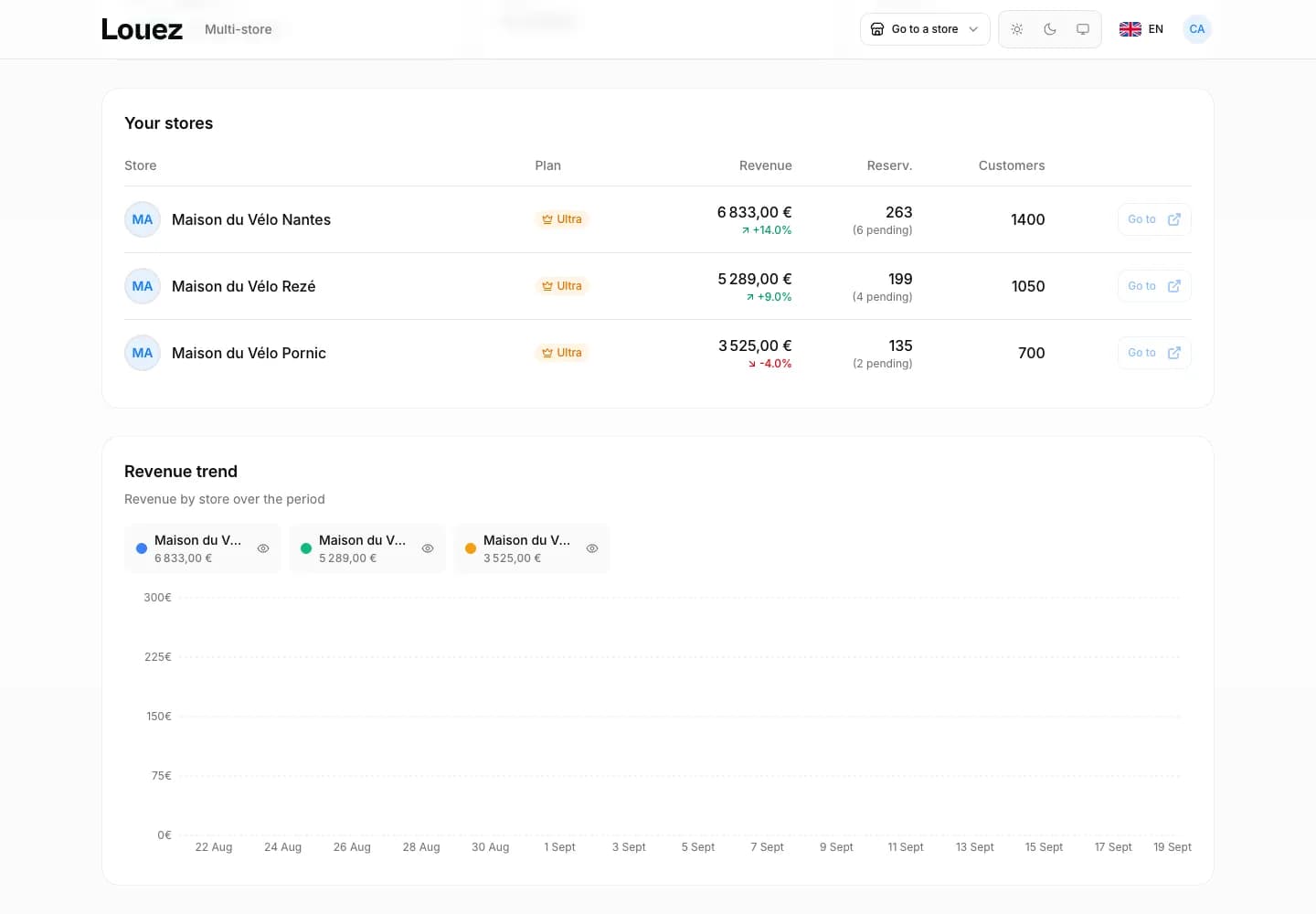
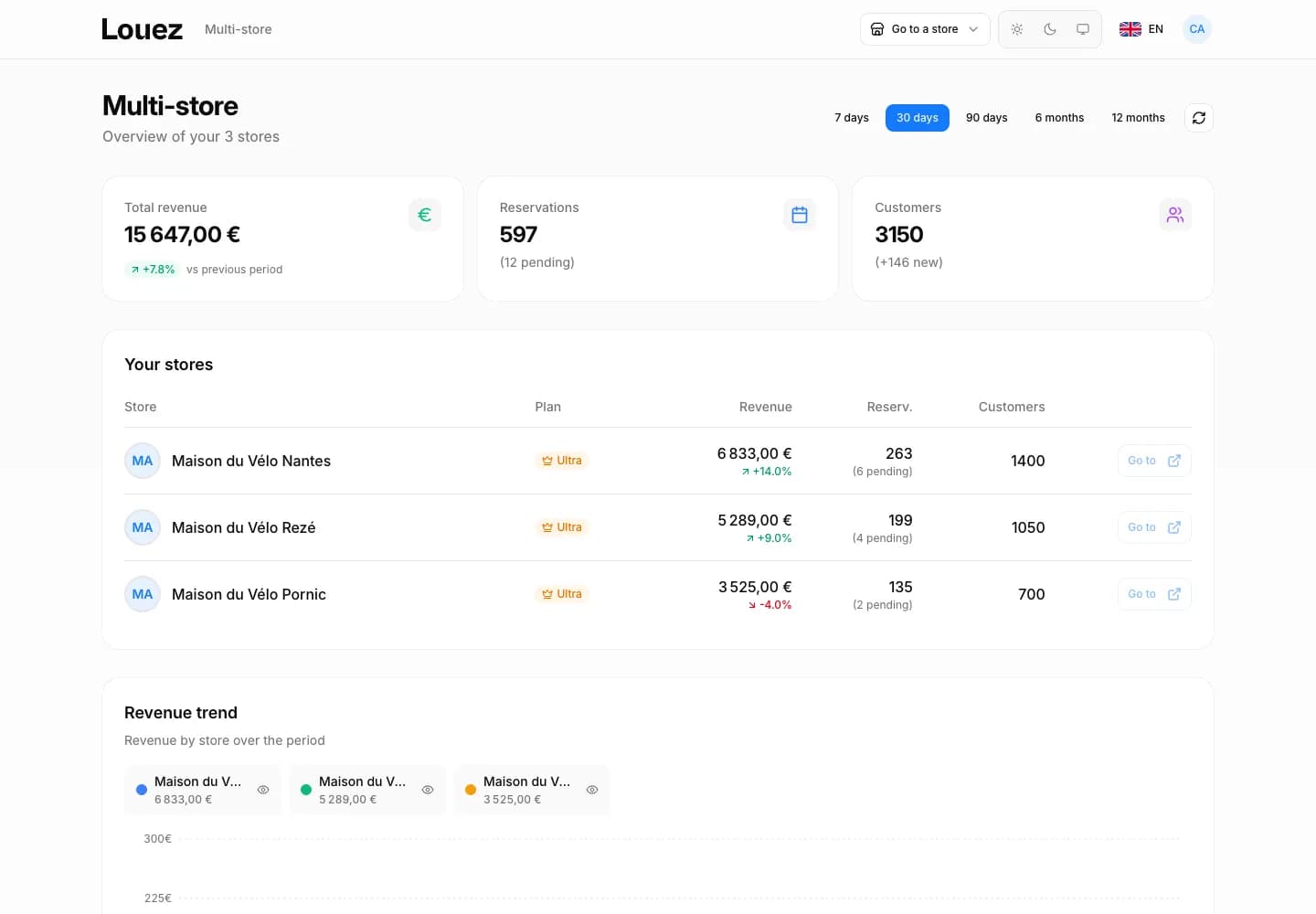
Every store in one view
Revenue, reservations, customers: every store you run, consolidated in a single view.
Revenue, reservations and customers consolidated
Comparison table with change per store
Revenue trend chart, store by store
Permissions
The same rules everywhere
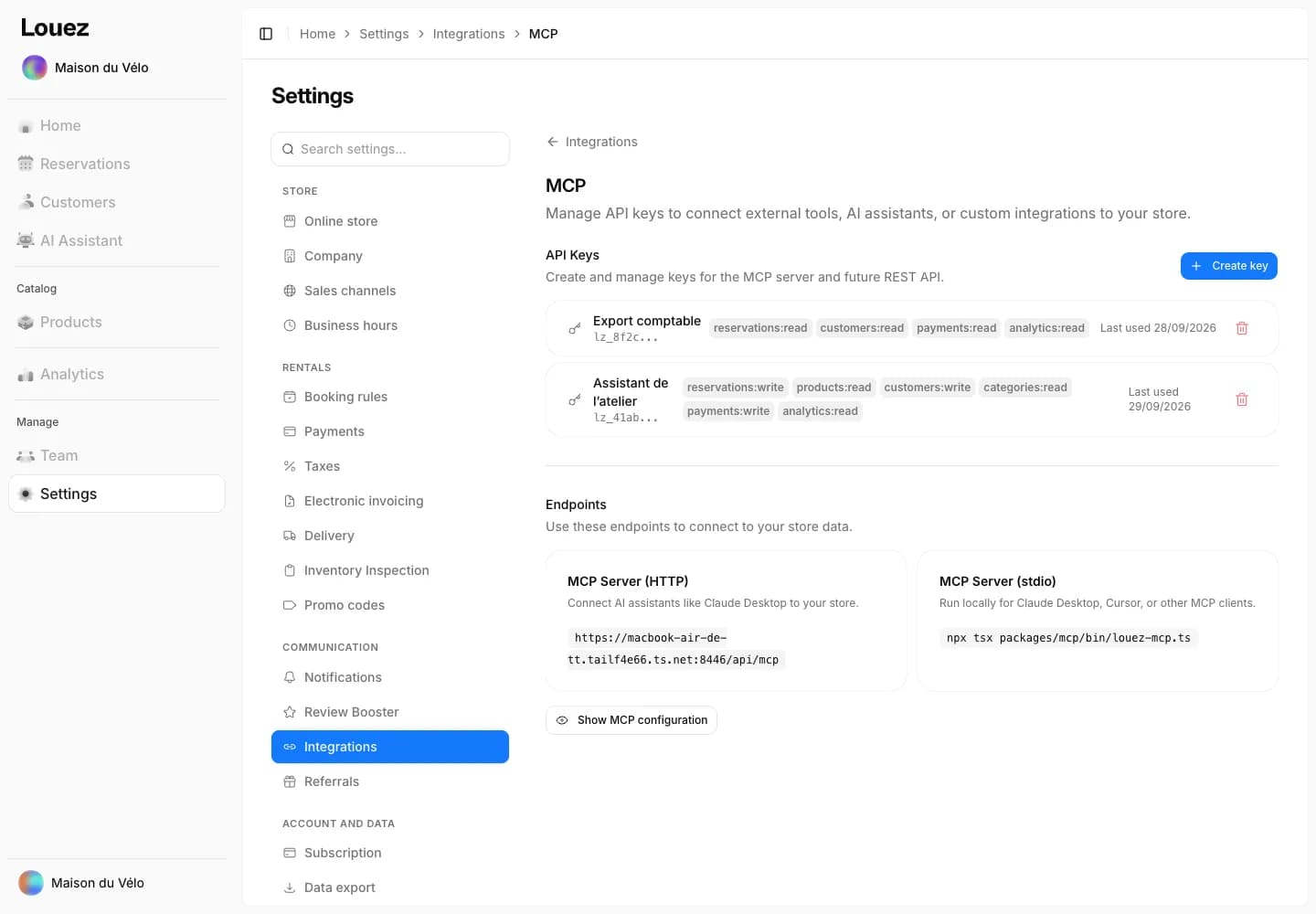
Rights set domain by domain and enforced everywhere: dashboard, AI Assistant and API keys.
Seven domains, set one by one
No access, read-only or write
Same rights for the AI Assistant and API keys
Frequently asked questions
How do I add a team member?
From the Team page, type their email address and click Invite. If they already have a Louez account they are added immediately; otherwise they receive an email invitation, valid for 7 days.
Can I limit what a team member can change?
Yes. Access is split across seven domains — reservations, products, customers, categories, payments, analytics and settings — each set to no access, read-only or write. Store settings stay reserved for the owner.
How many team members can I invite?
The number of team members depends on the plan you choose, with 0% commission in every case. You'll find the details on the pricing page.
Can I run several stores from the same account?
Yes. A switcher moves you from one store to another, and the multi-store view brings together revenue, reservations and customers across all your stores, with a comparison table and a trend chart.
Do the AI Assistant and API keys respect these permissions?
Yes. Every AI Assistant action checks the team member's rights before it runs, and every API key carries its own per-domain permissions. A key can be revoked at any time.
Put your team on Louez
Create your store for free.