

Departure and return
A guided pass, in photos
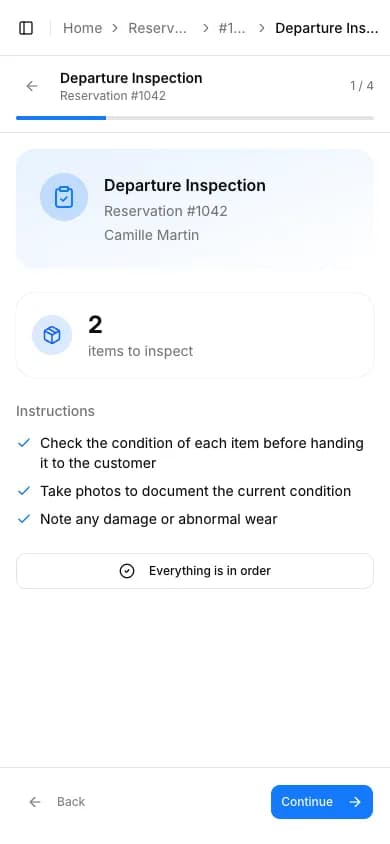
Walk through each item from your phone — two minutes at the counter, and everything is on record.
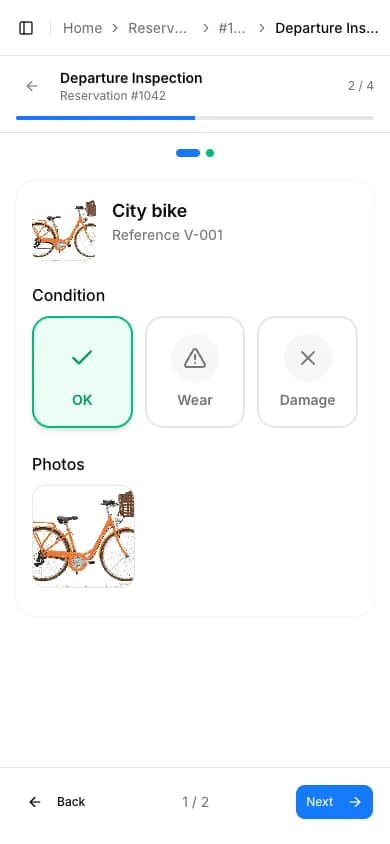
- A guided pass, item by item
- Photos taken straight from the camera
- Three quick choices: OK, Wear, Damage

Before the gear goes out, you record its condition and photograph it. At return, you run the same pass — and Louez shows you what changed in between.


Interactive preview · demo data


Departure and return
Walk through each item from your phone — two minutes at the counter, and everything is on record.


Comparison
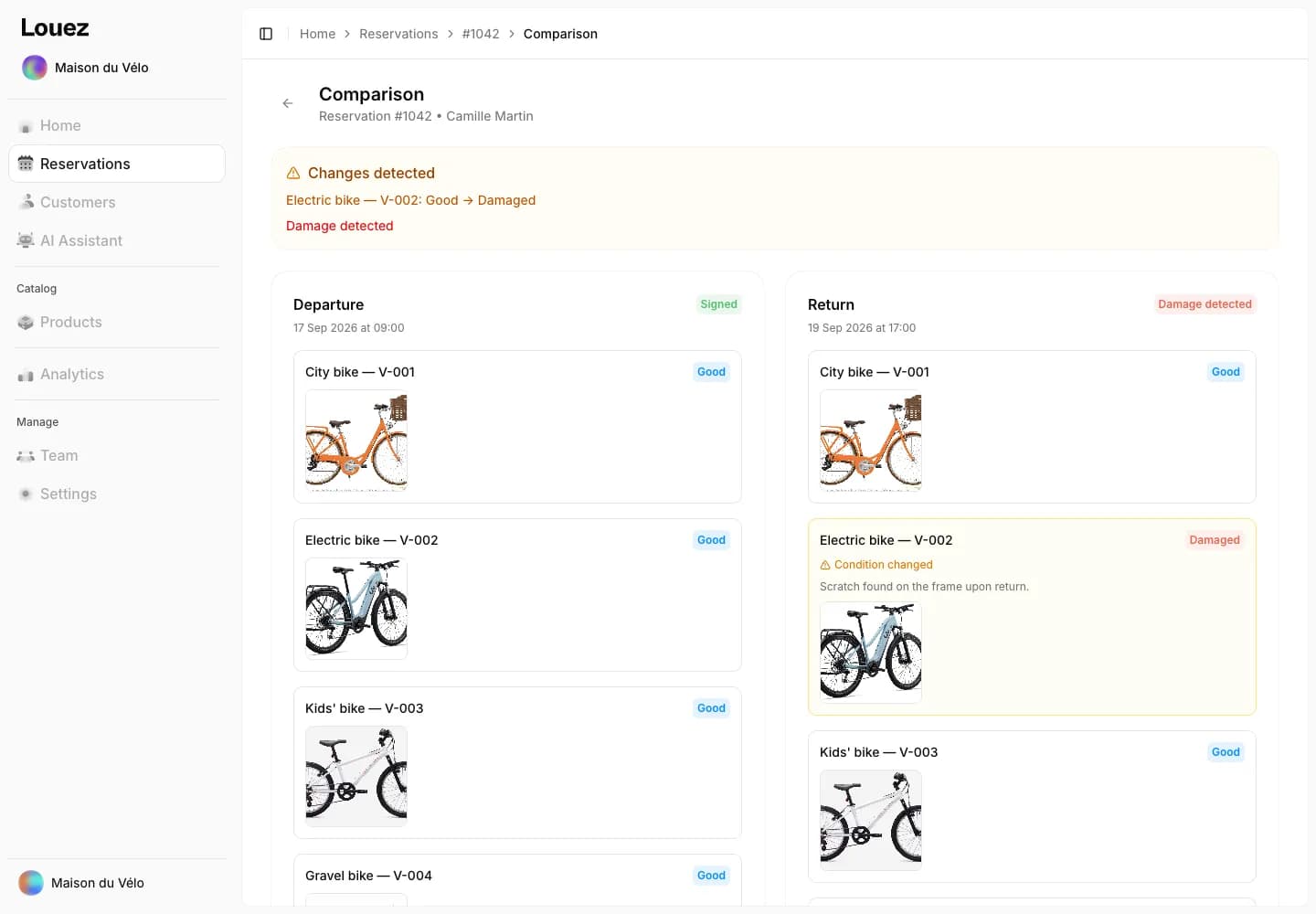
Departure and return sit side by side: you see exactly what changed, with photos as proof.


Settings
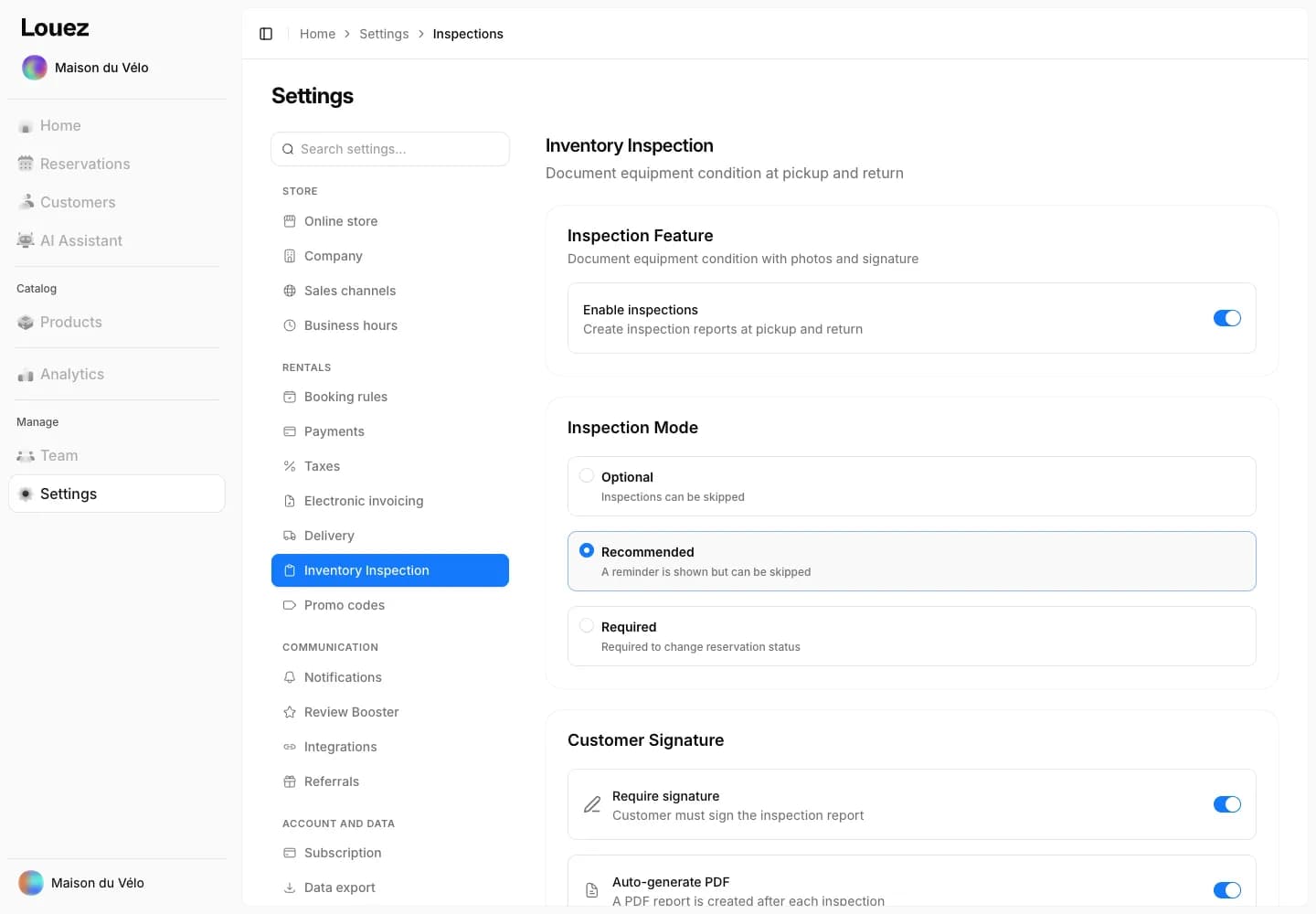
You decide how strict inspections are — in required mode, the reservation won't move until it's done.
It's the record of the equipment's condition when it's handed to the customer, and again when it comes back. In Louez it's done from your phone: condition of every item, photos, notes, customer signature and a PDF report.
That's up to you. The feature is switched on in your settings, in optional, recommended or required mode. In required mode, the inspection has to be done before the reservation status can change.
You can require a customer signature: they sign on your screen, at handover and at return. The signature is timestamped and included on the PDF report.
You mark the item as damaged, describe the damage and enter an estimated cost. Louez then offers to put that unit into repair downtime, and you can capture all or part of the deposit from the reservation.
Inspections are part of Louez and work the same whichever plan you choose, with 0% commission. You'll find the details of each plan on the pricing page.

Create your store for free.
First 15 reservations free · 0% commission · Per reservation or per month · A quiet month costs nothing