A new online store and a new editor
A redesigned customer journey, from browsing to booking. Customize your store in a dedicated editor, with a preview that follows your changes in desktop and phone formats.
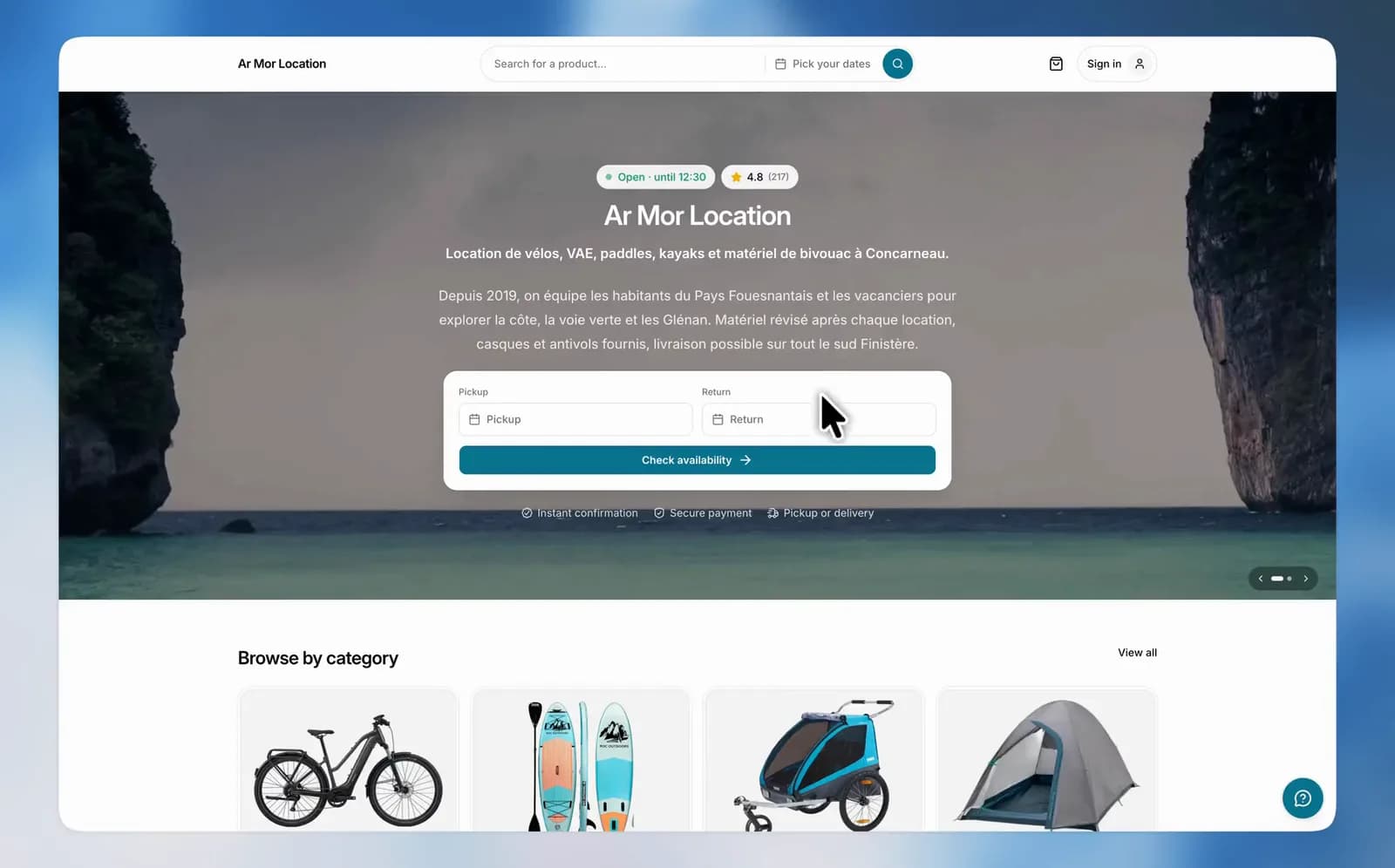
Your online store has a new look. The homepage, catalog, product pages and cart have been redesigned for desktop and mobile. A new editor brings the settings together so you can adapt the store to your business.
From browsing to booking
Customers choose their dates, browse the catalog and add equipment to their cart directly from the product list. They choose variants and accessories as they add each product. They can then review their selection and continue their booking.
Set up your store in one editor
Open Online store from the dashboard. Settings are grouped into five sections:
- Identity: name, introduction, logos, color and light or dark theme.
- Home page: cover photos, layout, announcement banner and catalog presentation.
- Contact: contact details and social links.
- Legal pages: the legal text displayed on your store.
- Search: share image and Google Search Console verification.
Move between sections, then save your changes with a single button.
A preview as you edit
The preview updates as you make changes. Switch between desktop and phone formats to check the presentation. On smaller screens, the Preview button opens it whenever you need it.
Use View store to open your online store. Remember to save your changes before checking them there.
Choose what customers see
One cover photo or several, a catalog that opens on products or categories, a banner to share an update: choose the presentation in the editor. You can also show or hide the reassurance, reviews and map sections.